Steam backlog tracker
Turn your pile of unplayed Steam games into a list you can actually work through, with How Long to Beat times and a one-click pick for what to play next.
No download, no extension. Uses the official Steam Web API.
Sort your backlog in seconds
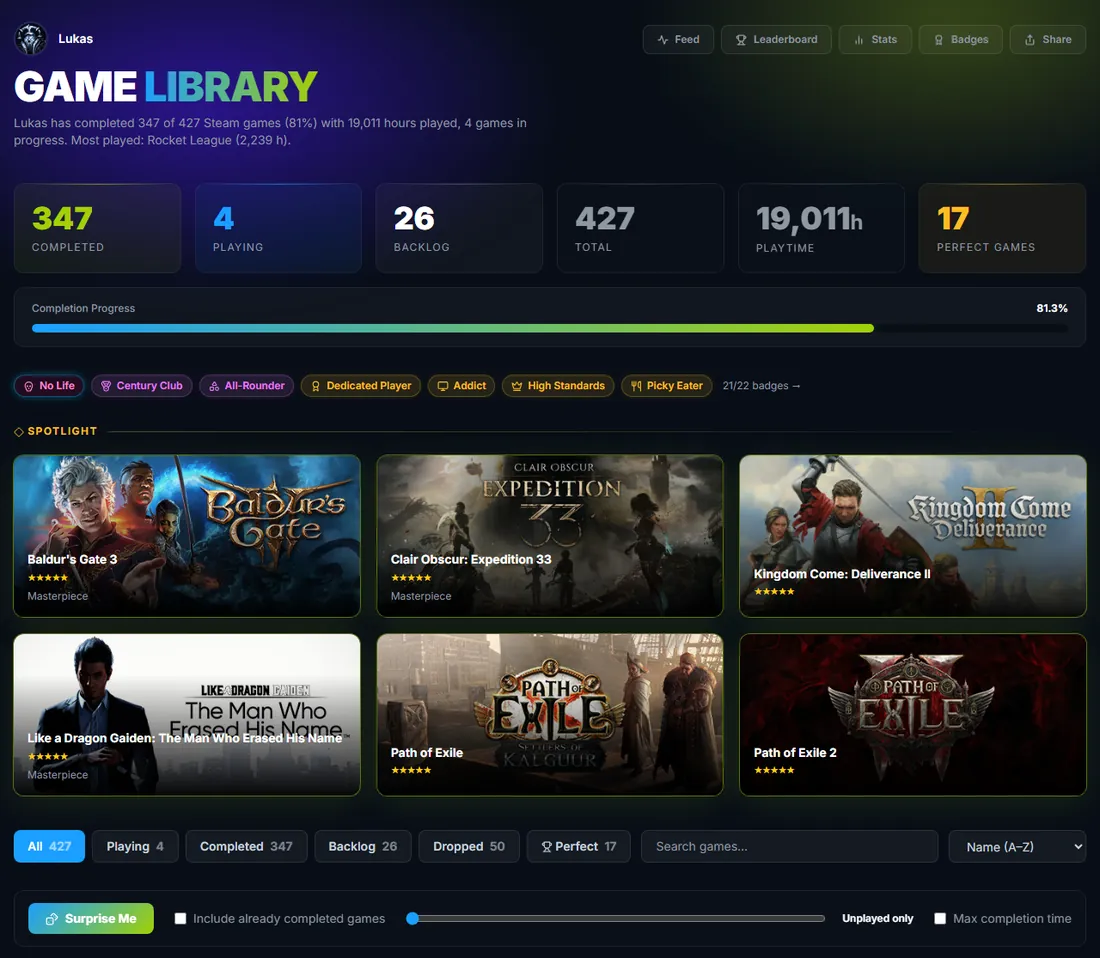
Your whole Steam library is imported on first sign-in. Games you clearly finished are marked completed automatically based on your playtime and How Long to Beat, so you start with an almost sorted list.
- Statuses: playing, completed, dropped, on hold, backlog
- Filter and sort by status, rating or name
- Quick review to mark games you already finished
Know how long it will take
How Long to Beat times are shown for your games, and the stats page adds up how many hours your backlog will cost you. Pick a short one when you only have a weekend.
- How Long to Beat time per game
- Backlog estimate in hours
Can't decide? Surprise Me
One click picks a random game from your backlog. Demos, soundtracks and test servers are filtered out, and you can limit it by playtime or completion time.
- Random pick from unplayed games
- Filters for playtime and completion time
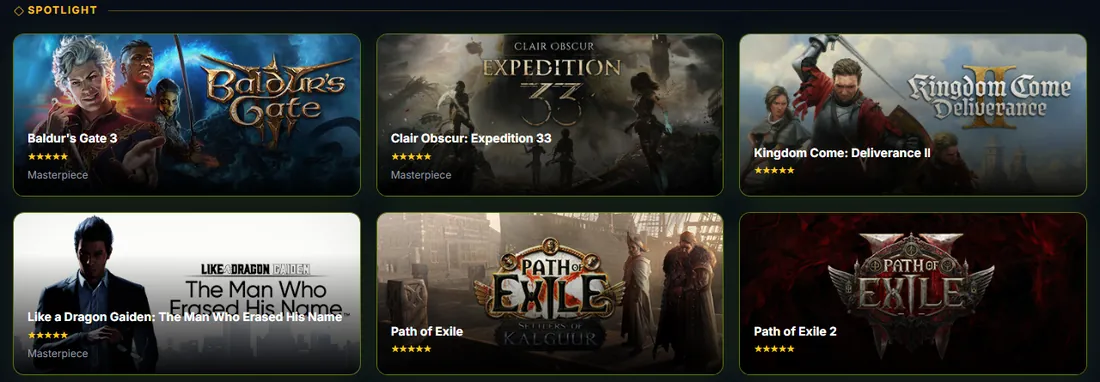
- Spotlight your current favourites at the top of your library
Questions
What counts as backlog?
Games you own but have not started or finished. You decide the status of every game, the import only gives you a starting point.
Where do the completion times come from?
From How Long to Beat. Times are looked up by game name and cached, and shown for most popular games.
Can I hide games I will never play?
Mark them as dropped. They stay in your library but no longer count as backlog.
Is there an app?
No app needed. The tracker runs in the browser on desktop and mobile.
Your library, sorted in seconds
Sign in with Steam and the tracker imports every game you own.
Sign in with Steam